
Template #8397 · 3 x 2 in. · 10 per sheet
8 oz Jar Labels Template
Free templates sized exactly to this sheet. Design in Canva or download for Word, Pages or PDF, print at home, peel and apply.
Step 1
Choose how you'll design
Canva - blank sheet
Best for: designing from scratch with full control.
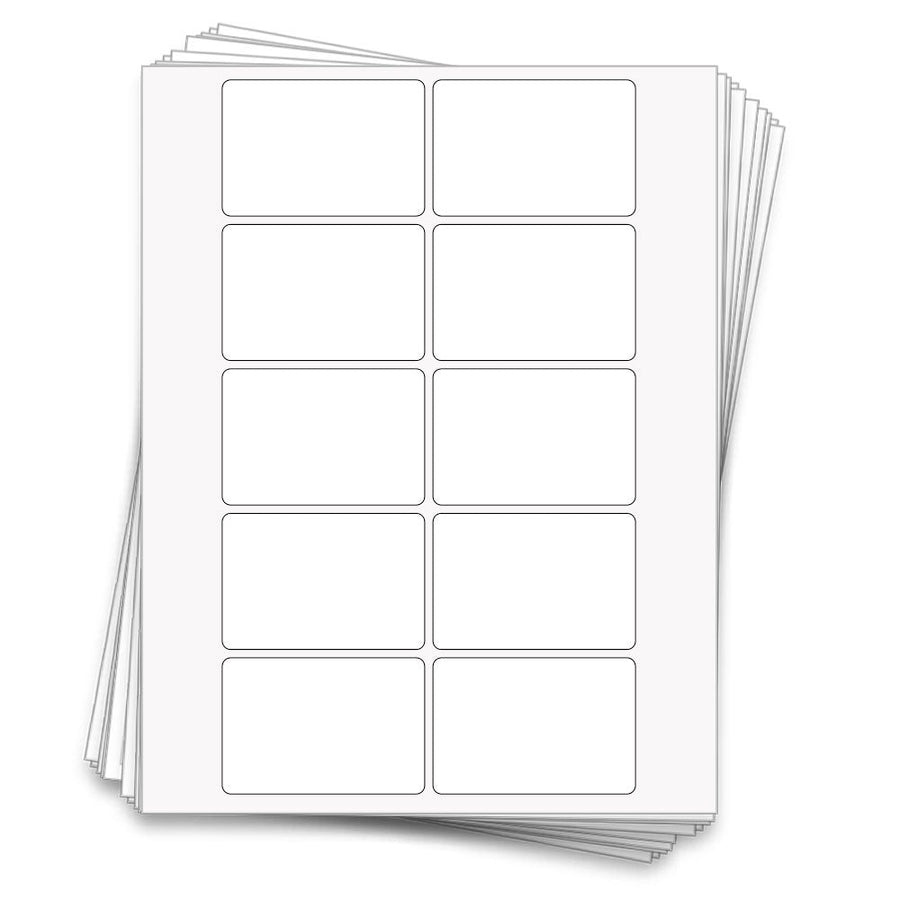
The sheet with label outlines only. Add text and images inside each outline, delete the outline layer, then print.
Open in Canva
Step 2
Print it right the first time
| Sheet size | 8.5 x 11 in. |
|---|---|
| Label size | 3 x 2 in. |
| Labels per sheet | 10 |
| Top & bottom margin | 0.25 in. |
| Left & right margin | 1.1875 in. |
| Horizontal spacing | 0.125 in. |
| Vertical spacing | 0.125 in. |
| Corner radius | 0.125 in. |
- Print one test page on plain paper first and hold it against a label sheet to the light to check alignment.
- Set your printer to the highest quality setting and the paper type to "labels" or "glossy" for waterproof vinyl and clear gloss.
- Waterproof vinyl and clear gloss are inkjet only. Kraft, recycled and pastel papers work in inkjet and laser printers.
- Let inkjet prints dry for 10-15 minutes before peeling.
Step 3 - optional
Start from a free design
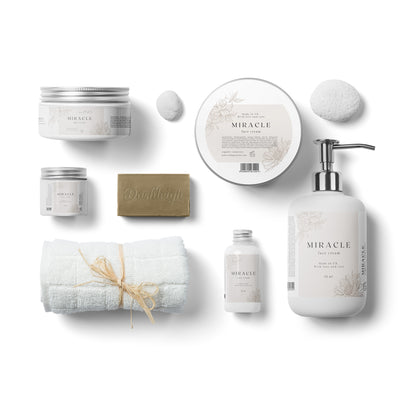 Beige Floral Cosmetic Design
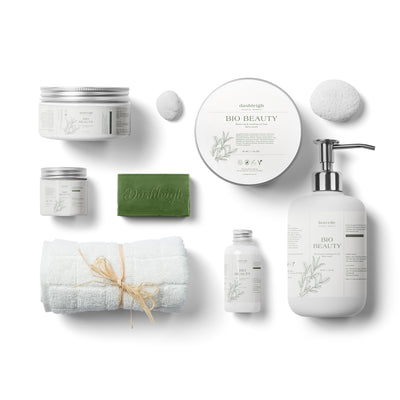 Beige & Green Cosmetic Designs
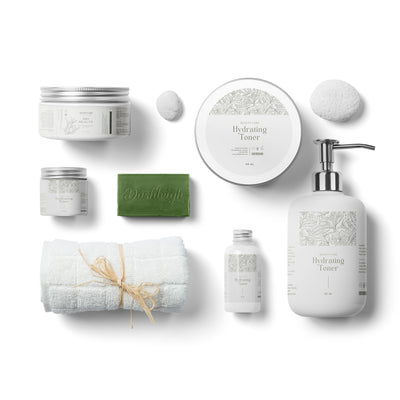 Beige Neutral Design
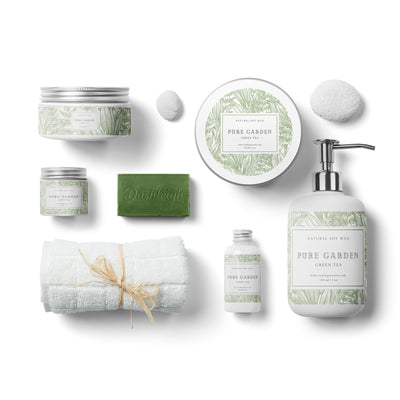 Green Botanical Design
 Light Floral Design Family
 Light Minimal Design
 Minimal Elegant Design Family
 Pastel Green Design Family
 Roses Design Family
Save this template for later
Leave your email and we'll send you the links to this template, plus new designs as they're added.