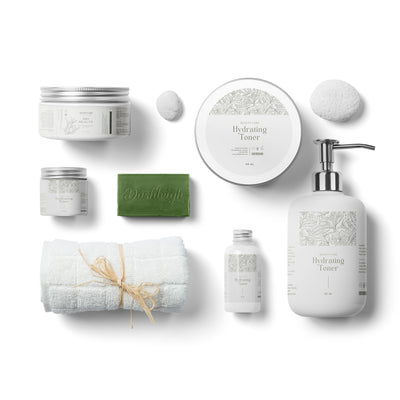
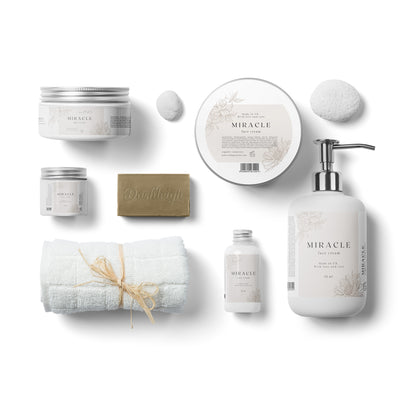
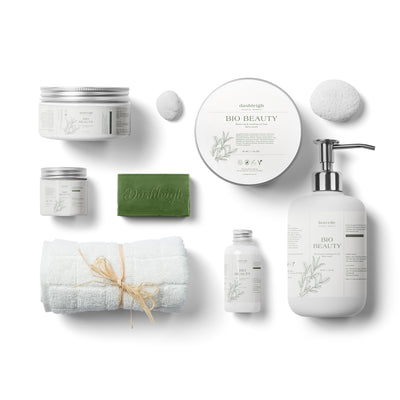
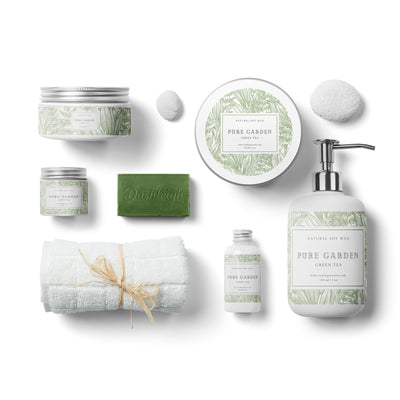
The short answer
Design one master label, then change only one or two things for each variation: an accent color, an icon, and the name. Keep the layout, fonts and logo the same. In Canva, duplicate the page for each scent or flavor and use Find and replace to change the words.
A line of products sells better when it looks like a family: customers recognize your brand from across a table and can tell the scents apart at a glance.
Step 1: Design the master
Finish one label completely: logo, product name, details, layout. This is the template for the whole line. Keep it simple enough that a color change reads clearly.
Step 2: Choose what changes
- Accent color: a band, border or background shade per variation (lavender purple, eucalyptus green, citrus yellow).
- Icon: a small sprig, fruit or leaf for each flavor or scent.
- The variation name, always in the same spot and font.
Everything else stays identical. Too many changes and the line stops looking related.
Step 3: Make every version in Canva
- Finish the master sheet, with the master label copied to every spot.
- Click Duplicate page (the copy icon above the page) once for each variation.
- On each copy, press Ctrl+F / Cmd+F and use Replace all to change the name.
- Change the accent color: select one colored element, click its color, and Canva offers to Change all matching colors on the page.
- Swap the icon on the first label, then copy it to the rest.
- Download every page together as one PDF with the Print preset.
For a different variation on every spot of one sheet, use Word mail merge; see batch numbers and variations without redesigning.
Color tips
- Pick variation colors with the same strength (all muted, or all bright) so no product looks out of place.
- Save your colors as hex codes in a note so reprints match.
- Test each color on your label material; kraft and pastel paper shift colors. See designing for clear, kraft and colored labels.
Lines of small bottles suit this well: 4 x 1.5 in. labels for 2 oz bottles come 12 to a sheet, and 3 x 1 in. essential oil labels 18 to a sheet.
Still stuck? Email customerservice@dashleigh.com with your template number and a screenshot, and we will help.